What is a trading journal?
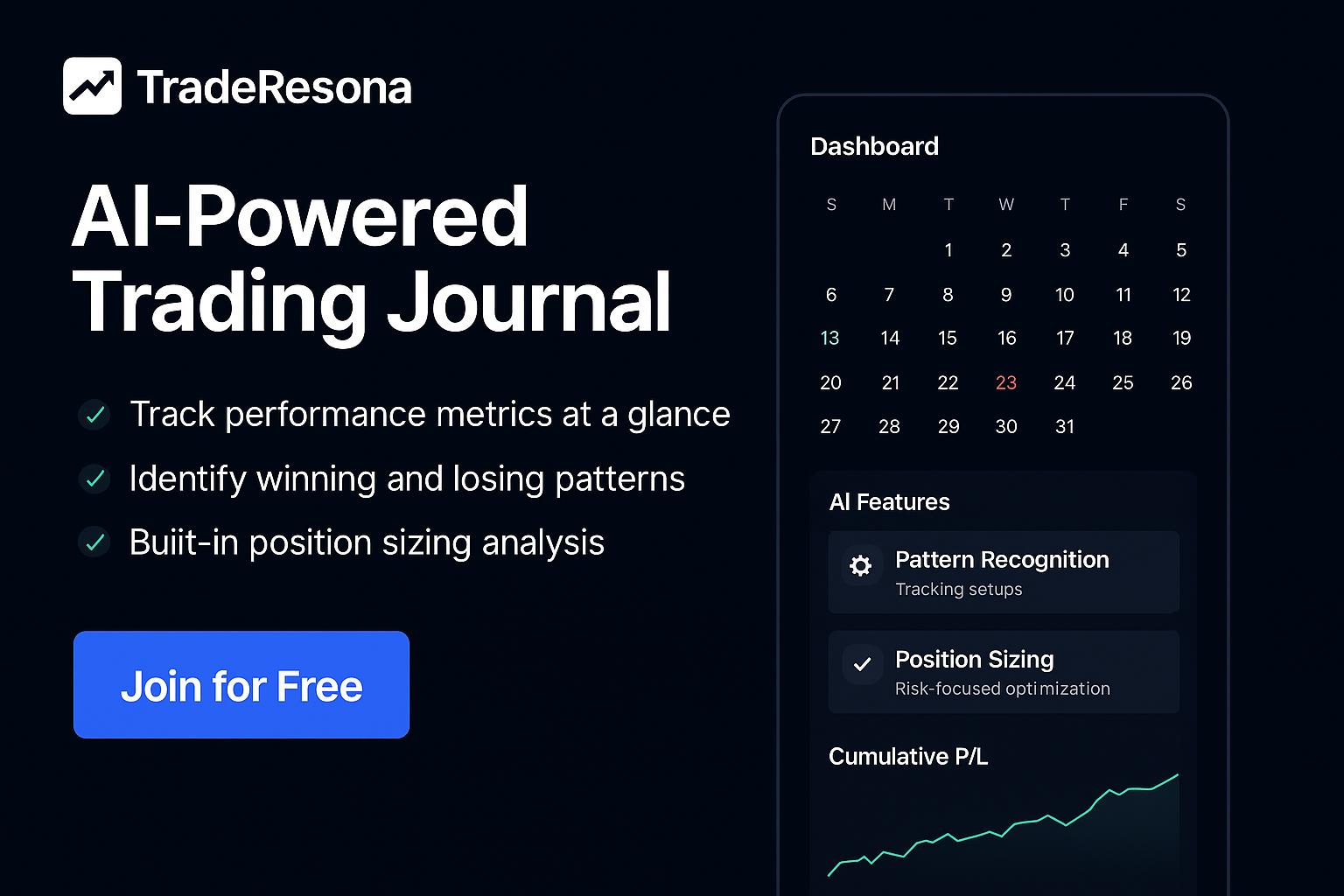
What is a trading journal?

A trading journal is a written record of all your trades, including what you bought or sold, why you took the trade, and how it turned out. It is a simple tool that helps you track your behavior, see patterns, and improve your results over time.

A good trading journal is not just a list of entries and exits. It is a clear story of how you think and act in the market, so you can see what is working and what is hurting you.


Why a trading journal matters

A trading journal helps you:

  • Stay honest about your decisions

  • See which setups really work for you

  • Spot bad habits like revenge trading or overtrading

  • Measure performance by time of day, market, or strategy

  • Build discipline and confidence

Without a journal, you rely on memory. Memory is emotional and often wrong.
With a journal, you rely on data.

Tools like Traderesona make this process easier by recording your trades, showing stats, and letting you review your performance in one place.


What goes inside a trading journal?

A solid trading journal entry usually includes:

  • Date and time of the trade

  • Ticker or instrument (stock, futures, options, forex)

  • Long or short position

  • Entry price and exit price

  • Position size

  • Stop loss and target (if used)

  • Strategy or setup name

  • Reason for entry

  • Reason for exit

  • Notes on emotions or mistakes

  • Screenshot of the chart (optional but helpful)

Over time, these details show you:

  • Your best setups

  • Your worst setups

  • How your emotions affect your trades

  • How market conditions change your performance


Digital vs paper trading journals

You can keep a trading journal on paper, in a spreadsheet, or in a digital app.

Paper journal

  • Simple to start

  • Good for quick notes

  • Hard to filter or calculate stats

  • Easy to skip on busy days

Spreadsheet

  • Lets you calculate basic stats

  • Good for simple tracking

  • Can get messy as you grow

  • Manual data entry takes time

Digital journal

  • Can import trades from your broker or CSV

  • Tracks stats automatically

  • Lets you filter by setup, time, symbol, and more

  • Easier to review and spot patterns

A digital tool like Traderesona is built for this. It helps traders log trades, review performance, and see behavior patterns without fighting with spreadsheets.


How to start your first trading journal

You can start simple and improve as you go.

  1. Choose your format
    Paper notebook, spreadsheet, or a digital journal like Traderesona.

  2. Define what you will log
    At minimum: date, ticker, long or short, entry, exit, size, and reason for the trade.

  3. Write every trade, every day
    Even the bad ones. Especially the bad ones. That is where the learning comes from.

  4. Review at the end of the day or week
    Ask yourself:

    • Did I follow my rules

    • What worked

    • What did not

    • What can I stop doing next week

  5. Adjust your rules based on data
    Use your journal to change your behavior, not just to store information.


Summary

A trading journal is a structured record of all your trades and the reasons behind them. It shows you what works, what fails, and how your behavior affects your results. You can keep one on paper, in a spreadsheet, or in a digital platform like Traderesona at traderesona.com, which is designed to help active traders log and review their trades with less effort and more clarity.

AI-Powered Trading Journal with Auto-Sync

Sync Your Trades Automatically. See the Patterns Behind Your Performance.

TradeResona is an AI-powered trading journal with auto-sync that turns your trade history into clear insights across wins, losses, setups, and risk.

Create Free Account | No credit card required | Read-only broker connections

Your Trade History Should Show You More Than P&L

Automatic Trade Import

Bring supported broker activity into one journal without repeatedly entering trades by hand.

Pattern Review

Compare setups, timing, results, and risk across your historical trades.

Multi-Asset Support

Stocks, Options, Futures, Forex - Track all your trades in one unified platform.

Read-Only Connections

Supported broker connections import trading activity without permission to place trades.

AI-Powered Trading Journal

Pattern Recognition

AI-assisted tools help organize observations from your actual trading history for educational review.

  • Compare winning and losing results across historical trades
  • Review your historical entry and exit timing patterns
  • Position sizing calculations based on risk inputs you provide
  • Optional chart review for documenting setup observations

Advanced Analytics & Performance Reports

Get detailed analytics with breakdowns by symbol, time, and strategy. Analyze your patterns and review your trading data.

Symbol Performance Analysis

Deep dive into your performance on each symbol you trade. Identify which stocks, options, or futures work best for your strategy.

Time-Based Performance Analysis

Analyze the best times to trade based on your historical performance. Review your schedule and your historical patterns.

Risk & Position Sizing

Understand your risk profile and analyze position sizing strategies while controlling downside risk.

Complete Trading Journal Features

Trade Tracking

Log every trade with detailed entry, exit, and performance metrics. Import from your broker or enter manually.

Performance Analytics

Comprehensive analytics showing win rate, profit factor, average win/loss, and more key trading metrics.

Trading Journal

Document your trading psychology, strategy notes, and lessons learned for continuous improvement.

Calendar View

Visualize your trading activity and performance across time with intuitive calendar visualization.

Goal Tracking

Set and track trading goals, monitor progress, and stay accountable to your trading plan.

Community Features

Connect with other traders, share insights, and learn from the community's collective experience.

Supported Brokers & Platforms

Import your trades seamlessly from these popular brokers:

TD Ameritrade
Interactive Brokers (IBKR)
E*TRADE
Charles Schwab
Fidelity
Robinhood
Webull
TastyTrade

Simple, Transparent Pricing

Free Plan

$0/month

  • Track up to 50 trades per month
  • Basic analytics and reports
  • Community access
  • Manual trade entry

Pro Plan

$19/month

  • Unlimited trades
  • Advanced analytics & reports
  • AI Trading Coach
  • Broker imports
  • Priority support

Premium Plan

$49/month

  • Everything in Pro
  • Advanced AI insights
  • Custom reports
  • API access
  • White-glove onboarding

Frequently Asked Questions

What is TradeResona?

TradeResona is an AI-powered trading journal and analytics platform designed for active traders. It helps you track trades, analyze performance, identify patterns, and review your trading data across stocks, options, futures, and forex.

How does the AI Trading Coach work?

Our AI analyzes your trading history to identify patterns, trends, and areas to review. It provides personalized insights on entry/exit timing, position sizing, risk management, and helps you understand your trading psychology.

Can I import trades from my broker?

Yes! TradeResona supports imports from major brokers including TD Ameritrade, Interactive Brokers, E*TRADE, Charles Schwab, Fidelity, Robinhood, Webull, and TastyTrade. You can also manually enter trades.

Is my trading data secure?

Supported broker connections are read-only for trade import. Review the privacy policy and security page for details about data handling.

What asset types are supported?

TradeResona supports stocks, options, futures, and forex trading. Track all your trades across multiple asset classes in one unified platform.

Ready to See the Patterns in Your Trades?

Create a free account to organize your trade history and review performance patterns with AI-powered insights.

Create Free Account - No Credit Card Required